Hydra practical guides
Close the window. Keep the job.
The application window should not decide how long your work lives. Hydra’s local terminal daemon owns the running terminals independently of the desktop interface.
Try it with a harmless job
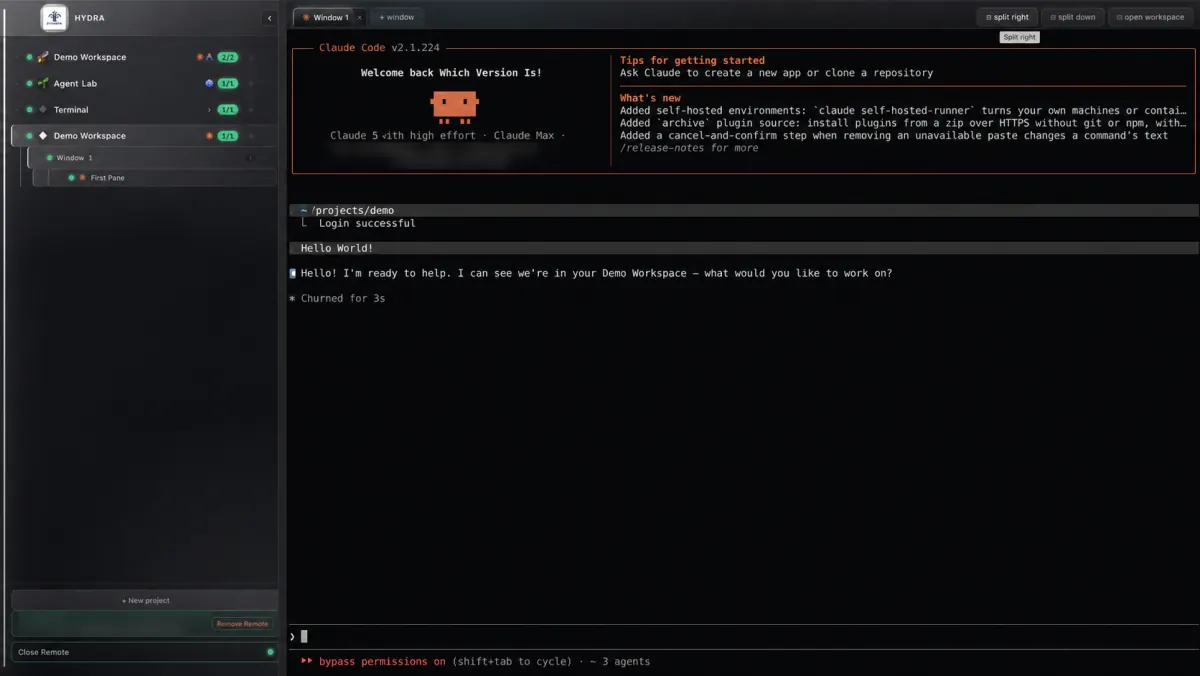
- Install the packaged application and open a terminal pane.
- Start a harmless task long enough to observe, such as a test run in a disposable project.
- Close the Hydra application window, leaving the machine awake and its user session active.
- Reopen Hydra and return to the same pane. The retained terminal should still contain the running task or its completed output.
Three different events
- Closing the app disconnects the desktop interface. Retained terminals continue under the local daemon.
- Closing or removing a pane is a separate session action. Do not treat removal controls as another way to close the app.
- Rebooting the machine ends its running processes. Hydra can reconstruct the workspace and resume supported provider sessions in new processes. It does not keep the original job alive through a reboot.
The machine still has to do the work. Sleep can pause execution and prevent Remote access. Shutting down, logging out or stopping the daemon is not equivalent to closing a Hydra window. Keep an unattended machine powered, awake and connected as appropriate for your system.
Why this works
The daemon retains the terminal state as well as the process connection. The desktop can return to that terminal instead of creating a replacement shell merely because its window closed. Read the retention FAQ and architecture notes for the implementation boundaries.
Need a quick progress check? Reach the same terminal from your phone.